



St Nicholas App Parent Guides
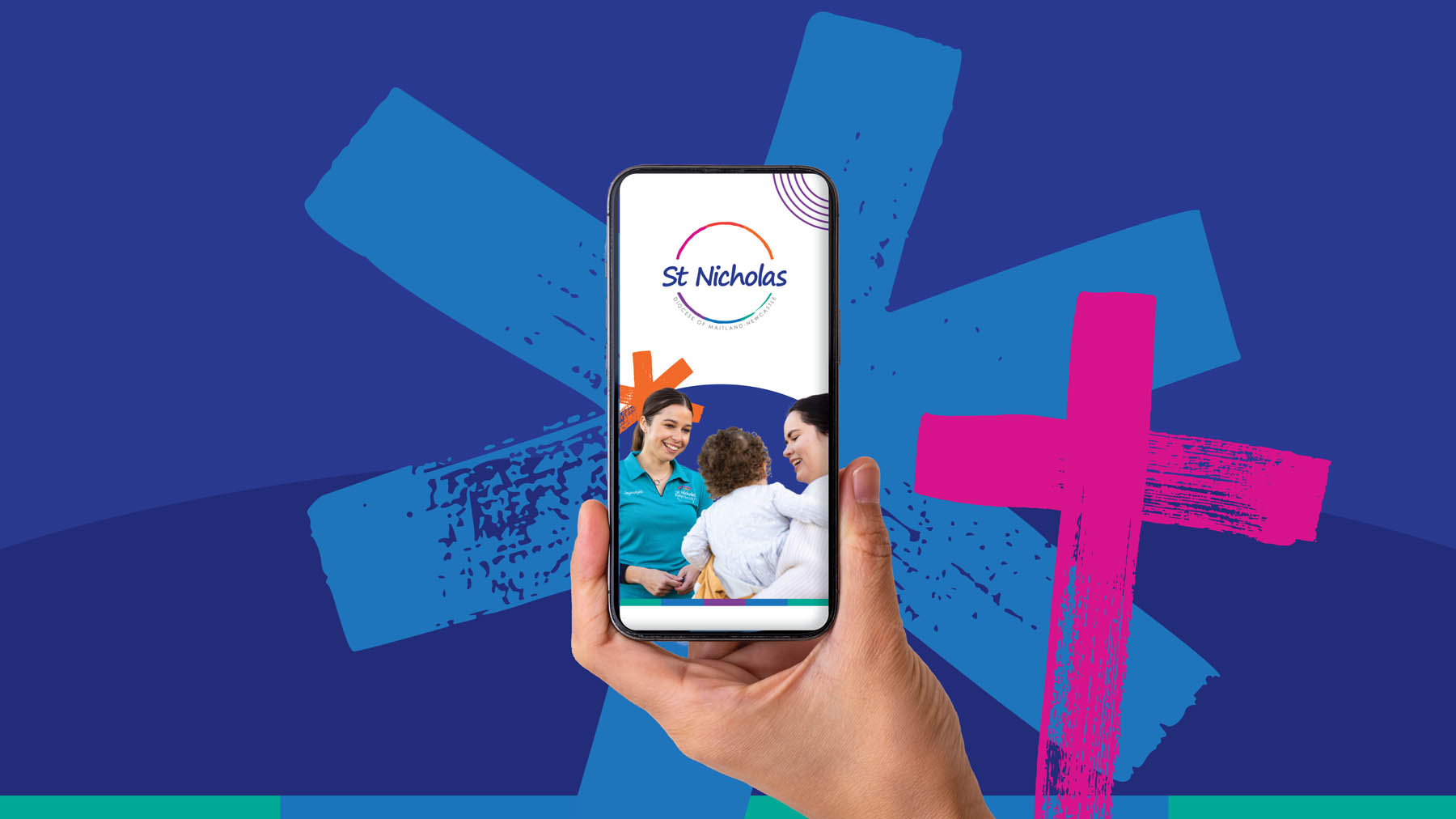
The St Nicholas App, powered by OWNA, gives families access to important information about their child’s care, including communication, enrolment details, billing, sign-in and sign-out, announcements and updates.
Families can use the app to sign children in and out, receive announcements and messages, view billing information and statements, manage enrolment information, and access updates about their child’s care.
Families will receive instructions from St Nicholas during enrolment. Please use the app version linked through your enrolment communication rather than downloading the standard OWNA app directly.
Yes. Information in the St Nicholas App is stored securely, and access is limited to authorised St Nicholas team members and approved family contacts.
St Nicholas provides app support resources for families on this page. Families can also speak with their centre or service team for further support, or contact St Nicholas via contactus@stnichoasmn.org.au.
Please check that you are using the email address linked to your child’s enrolment. If you are still having trouble, please refer to the guides available on this page or contact your centre or service team for support.
Yes. Approved family contacts can access the app, provided their details are listed correctly on the child’s enrolment.
Yes. Families can manage multiple children through the app, provided each child is linked to their account.
Families with children at different St Nicholas services may need to switch between accounts or profiles. Please refer to the relevant support guide or speak with your centre or service team for help.
Your PIN is used for secure sign-in and sign-out. This helps ensure children are signed in and out by authorised people only.
Please speak with your centre or service team. They can help. If you need to reset your PIN, simply follow the steps in this guide.
Please check the ‘Bookings’ tab in St Nicholas App for confirmation. If you have not received confirmation within three business days of submitting your booking, check the app and contact your service if required. For further support, please refer to the relevant support guide or contact your centre or service team.
Booking delays can occur if enrolment information is incomplete, CCS requirements are not finalised, or required documentation is missing. This may include medical information, action plans or other documents needed to safely support your child.
Families should contact their service to cancel or change a booking. Casual and Vacation Care bookings generally require five business days’ notice for cancellations. Permanent OOSH bookings generally require two weeks’ notice to cancel.
New app features will be promoted through family communications, app updates and centre or service reminders so families know what has changed, how to use it and where to access support.
Yes. Family feedback helps St Nicholas understand what is working well and where further support or improvement may be needed. Please speak with your centre or service team if you would like to provide feedback.